
LG monitors pushed McAfee ads onto Windows PCs via silent install
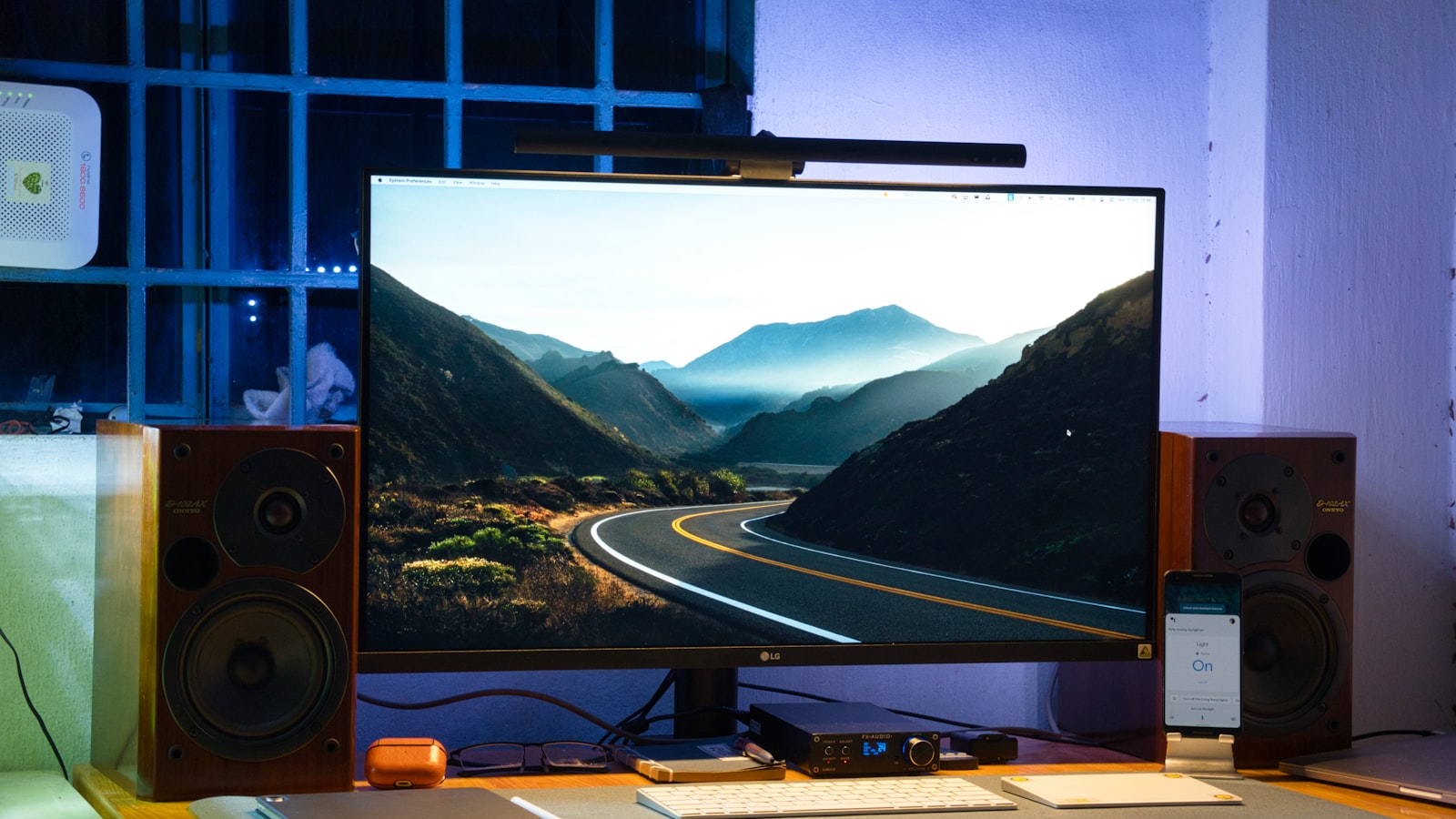
LG Electronics quietly shipped monitors that, once plugged into a Windows 11 PC, triggered the automatic installation of a vendor app that displayed McAfee antivirus advertisements on every startup — without ever asking the owner’s permission. Microsoft’s EVP of Windows and Devices, Pavan Davuluri, confirmed on July 23, 2026, that LG had agreed to disable the pop-up after weeks of user complaints reached viral scale.
The episode is more than a peripheral annoyance. It exposes a well-worn but rarely scrutinized loophole in Windows’ device-metadata system that lets hardware makers push software onto PCs silently, monetize that foothold with third-party advertising deals, and leave consumers with no obvious recourse — until public pressure forces a platform owner to intervene. For the millions of LG monitor owners worldwide, the incident raises a pointed question: who actually controls what gets installed on your PC when you plug in a display?
How a monitor installs software you never agreed to
When a user connects an LG monitor to a Windows 11 machine, Windows Update contacts Microsoft’s device-metadata servers, matches the display’s hardware ID to a Microsoft Store listing, and silently downloads an application called LG Monitor App Installer — all without a consent prompt, according to reporting by Ars Technica and Windows Latest. The mechanism is a legitimate Windows feature designed to let manufacturers deliver drivers and companion software automatically; LG used it to deliver an installer that, on subsequent logins, served a pop-up promoting a free 30-day trial of McAfee antivirus.
The pop-up was not a one-time prompt. Multiple users reported it appearing on every boot until manually removed. YouTuber Gamers Nexus reproduced the behavior on a $1,200 LG UltraGear 34GX900A-B, documenting McAfee advertisements on 31 of 32 consecutive startups, according to Windows Latest. Gamers Nexus also confirmed the same behavior on the LG UltraFine 32UN880-B, indicating the issue extends beyond a single model line, as reported by Hackread.
LG’s own application changelog left little room for ambiguity. Windows Latest reported that the update notes explicitly list McAfee as an “Additional App” and direct users toward a free 30-day trial — making clear this was an intentional feature, not a rogue bug. The arrangement is consistent with the pay-per-install advertising model that has sustained OEM (original equipment manufacturer) bloatware for decades: hardware makers collect fees from software vendors in exchange for guaranteed install counts on new or newly connected devices.
Ars Technica reached out to LG for comment on the purpose of the LG Monitor App Installer, which monitors are affected, and what privacy protections govern user data. A company representative acknowledged receipt of the questions but did not provide a response before publication — a silence that, given the scale of the complaints, is itself telling.
Microsoft steps in, but the underlying pipeline remains open
The public reckoning accelerated after Gamers Nexus published its findings. Pavan Davuluri, Microsoft’s EVP of Windows and Devices, posted on X on July 23 that his team had contacted LG directly.
“We’ve connected with the team at LG and as an immediate next step, they have agreed to disable the McAfee pop-up from their app. We appreciate LG working with us toward a shared goal of a better experience for our mutual customers. We will keep improving here with our ecosystem partners.” — Pavan Davuluri, EVP of Windows and Devices, Microsoft, as quoted by Windows Central and The Register
LG separately confirmed it removed the McAfee ad layer on July 13, 2026, according to Gadget Review — roughly ten days before Microsoft’s public statement. The timeline suggests internal action preceded the formal response, though the pop-up was still appearing for some users in the intervening period, pointing to a patchy rollout of the fix.
Crucially, Microsoft’s statement addressed the advertisement specifically, not the broader installation mechanism. As Windows Latest reported, the device-metadata pipeline that allowed the silent install in the first place remains intact; Microsoft said only that it would “continue to work with ecosystem partners to improve in this area.” No policy change, no timeline for reform, and no clarity on whether other hardware makers could replicate LG’s approach with different payloads were announced as of July 24, 2026.
Gizmodo noted that Alienware monitors had faced similar complaints, though the company told Gizmodo that as of February 2025 it had moved to an opt-in installation process for its Alienware Command Center (AWCC) software and confirmed AWCC “does not display McAfee advertisements or any third-party pop-up ads.” The contrast is instructive: Alienware changed its default behavior voluntarily; LG required public pressure and a call from Microsoft’s Windows chief.
What LG monitor owners can do right now
Even with the McAfee promotion removed from LG’s app, the LG Monitor App Installer may still reside on affected machines. Users can uninstall it through Windows Settings → Apps → Installed apps and search for “LG Monitor.” To prevent the silent-install pipeline from operating in the future, Windows Pro users can open the Group Policy Editor (gpedit.msc) and navigate to Computer Configuration → Administrative Templates → System → Device Installation, then enable the setting “Prevent automatic download of applications associated with device metadata,” according to Gadget Review. Windows 11 Home users can reach a similar option via System Properties → Hardware → Device Installation Settings and select “No” for automatic manufacturer app downloads.
Those steps block future installs but do not affect applications already on the system. Users who saw McAfee pop-ups should also verify that no McAfee components were installed as part of the trial workflow — the installer offered a 30-day free trial, and trial software sometimes places persistent services even when the main application is declined.
A supply-chain trust problem hardware buyers didn’t sign up for
The LG incident is a vivid case study in what security researchers call the hardware supply-chain trust problem: the assumption that buying a certified piece of equipment means accepting whatever software the manufacturer chooses to bundle, now or in the future, via over-the-air delivery channels. That assumption has long applied to PCs and smartphones, but monitors — historically passive displays — represent a new frontier for the practice.
The device-metadata mechanism Microsoft provides was built for utility: auto-installing the right driver so a display works out of the box is a genuine convenience. The LG case illustrates how the same channel can be extended to deliver revenue-generating software without consumer consent, exploiting the trust users place in a hardware purchase. Because the delivery route runs through Windows Update — a channel most users treat as a trusted system process — the install bypasses the skepticism users might apply to a random download.
McAfee (now operating as Gen Digital following a 2022 merger) did not respond to media requests for comment on the promotional arrangement with LG ahead of most reporting on the story. It is unclear how many LG monitor models carried the installer globally, or whether the paid promotional deal extended to other regions beyond those where complaints were filed.
Ars Technica, Windows Latest, Windows Central, The Register, Engadget, Gizmodo, and Gadget Review contributed reporting, original reproduction of the behavior, and sourcing for the figures and quotes cited above.
The next indicator to watch is whether Microsoft formalizes new rules governing what hardware makers can deliver via the device-metadata store, and whether LG publishes a public statement explaining the scope of the McAfee deal and which monitor SKUs were affected. No date for either has been announced.
Frequently asked questions
How did LG monitors install software without user permission?
LG used Windows’ device-metadata system, a Microsoft feature designed to auto-install drivers when hardware is connected. LG published an app called LG Monitor App Installer to the Microsoft Store, which Windows Update downloaded silently when a compatible monitor was plugged in — no consent prompt was shown.
Which LG monitors were affected by the McAfee pop-up?
Gamers Nexus confirmed the behavior on at least the LG UltraGear 34GX900A-B and the LG UltraFine 32UN880-B. LG has not published a comprehensive list of affected models, and it is unclear how many SKUs carried the installer globally.
Has the McAfee pop-up been removed from LG monitors?
LG removed the McAfee promotion from the LG Monitor App Installer around July 13, 2026, and Microsoft’s Pavan Davuluri confirmed LG’s cooperation publicly on July 23, 2026. However, the silent-install pipeline that delivered the app in the first place remains unchanged.
How can I remove LG Monitor App Installer from my PC?
Open Windows Settings, go to Apps → Installed apps, search for ‘LG Monitor,’ and uninstall the application. To block future silent installs, Windows Pro users can use Group Policy Editor (gpedit.msc) to enable ‘Prevent automatic download of applications associated with device metadata.’ Windows Home users can change the setting via System Properties → Hardware → Device Installation Settings.
Did Microsoft change its policies after the LG incident?
As of July 24, 2026, Microsoft had not announced a formal policy change. Pavan Davuluri said the company would ‘continue to work with ecosystem partners to improve in this area,’ but no specific timeline or rule update was disclosed.